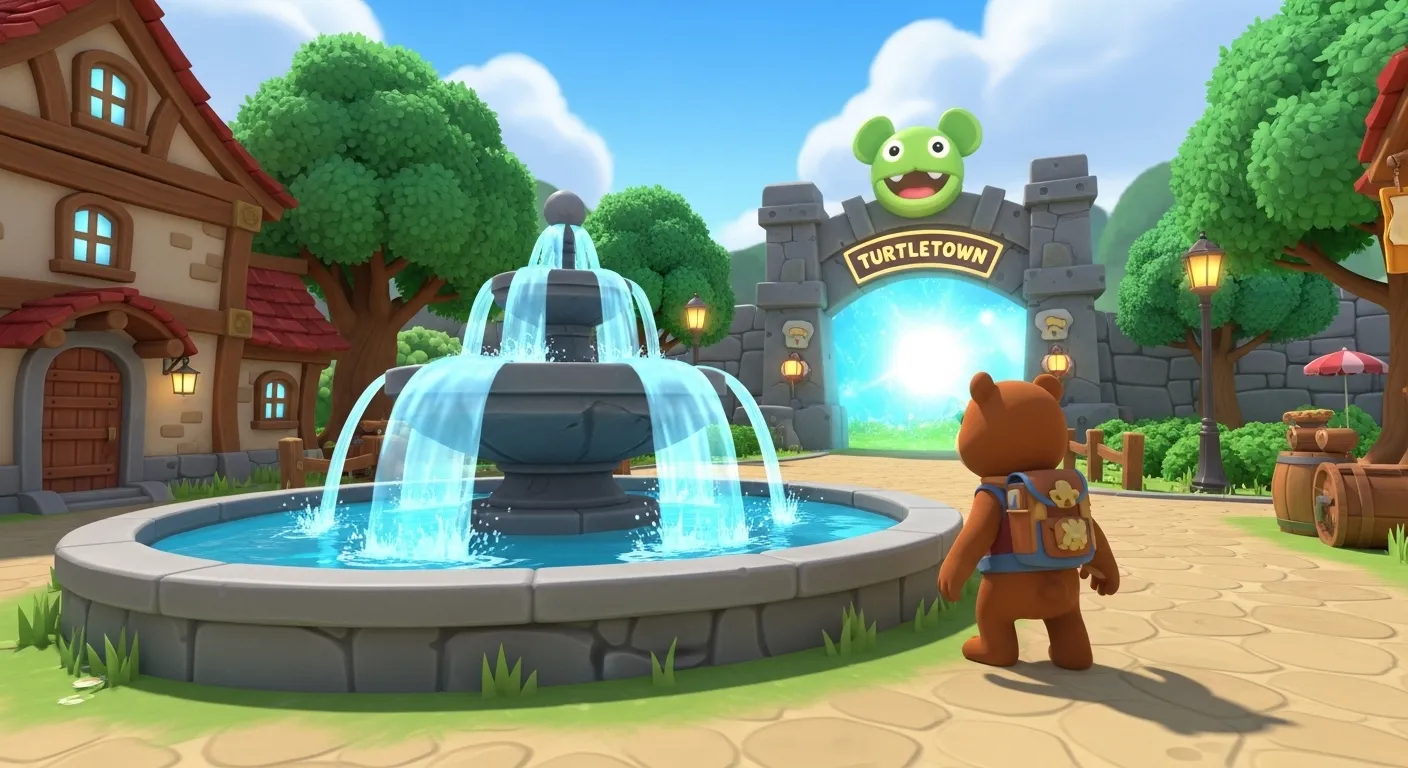
You can learn how to play Super Bear Adventure in a few minutes: get used to movement and the Hub, then head into Turtletown to rescue bears, collect coins, and unlock the rest of the game.
Super Bear Adventure is a 3D adventure from Earthkwak Games. You play as Baaren, a bear who runs, jumps, and explores the Kingdom of Earthkwak. If you’re new, this guide covers the basics—controls, how to “fly,” how to change your username, where to go first, and every main location. For the mod with unlimited coins and all content unlocked, use our Super Bear Adventure Mod APK. For full walkthroughs, see Turtletown, Snow Valley, and the other world guides.
Learning how to play Super Bear Adventure means mastering movement (run, jump, roll, dive, ground-pound), understanding the Hub as your base, changing your username for multiplayer, and completing world goals: rescue trapped bears, collect purple coins, find secret stickers, and beat bosses to unlock new areas.
What are the basic controls?
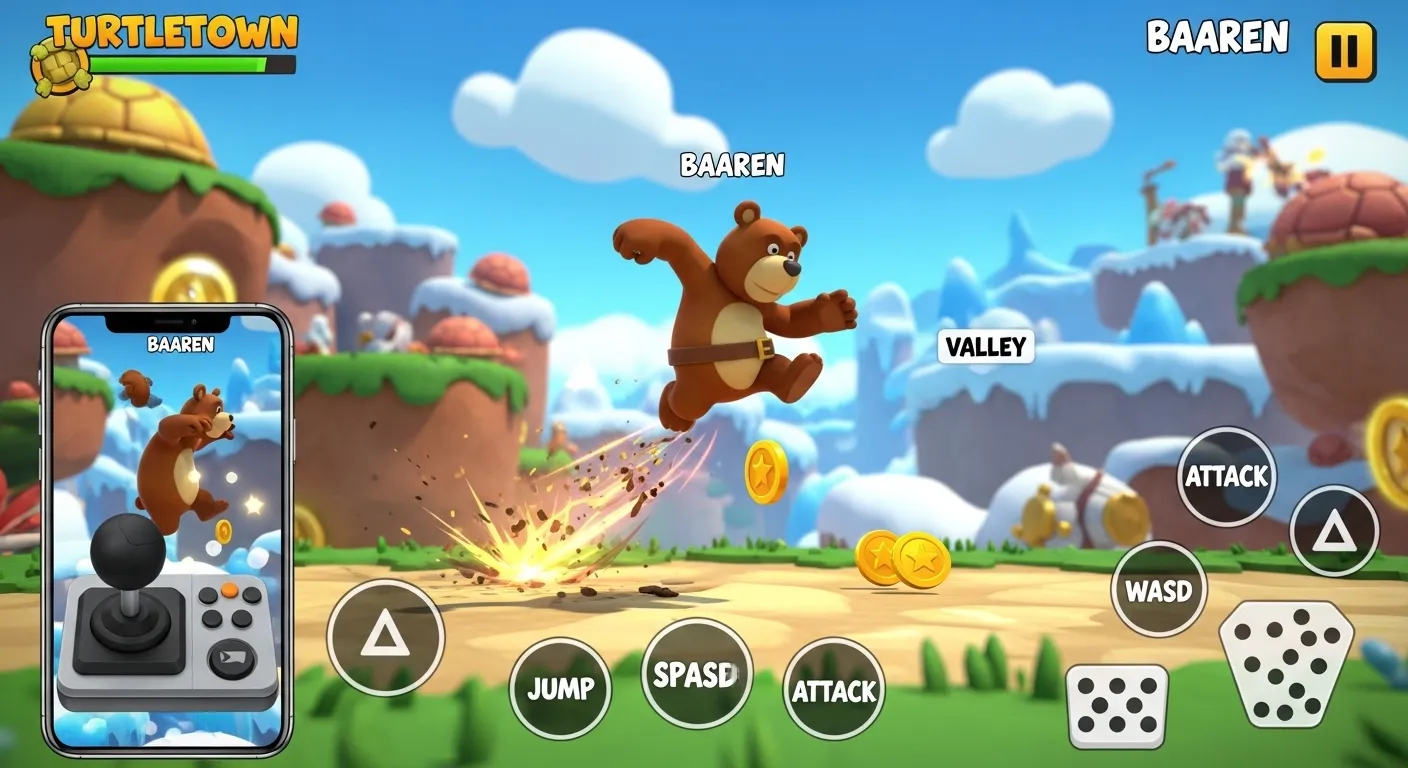
On mobile you use an on-screen joystick and buttons. On PC you use keyboard and mouse—see our PC guide for mapping.
- Move: Left stick or D-pad. Baaren runs in that direction.
- Jump: Jump button. Tap again in the air for a double jump if you have the upgrade.
- Attack: Attack button. Use for ground-pound (damage bosses, break crates) and spin attack (hit enemies, break objects).
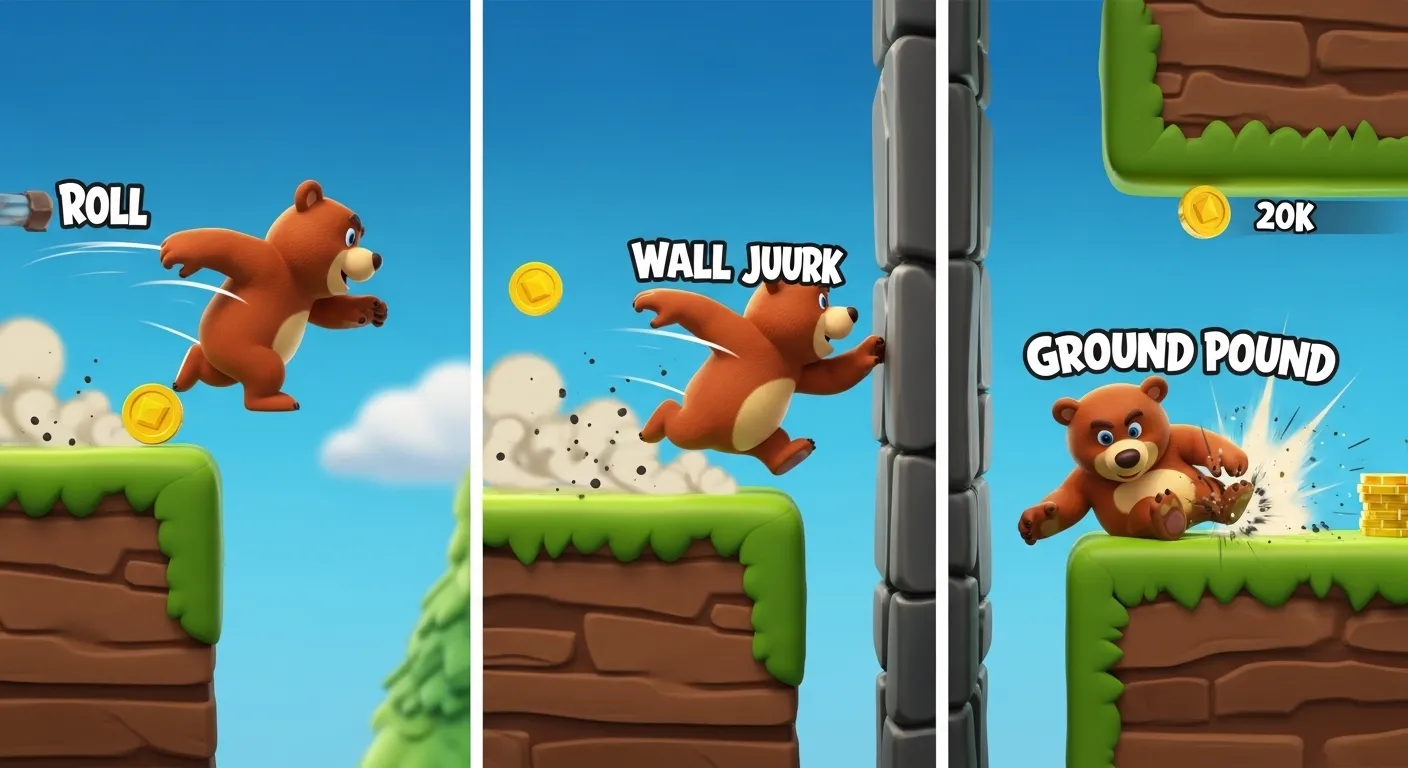
- Roll / Crouch: Helps with long jumps and low gaps. Practice in the Hub.
- Camera: Swipe or right stick to look around. Useful for finding coins and ledges.
Take a few minutes in the Hub to practice jumping, rolling, and ground-pounding before you enter your first world.
How do you fly in Super Bear Adventure?
There is no free-flight mode. When players ask how to fly, they usually mean covering long gaps or moving through the air smoothly. Use this move set instead:
- Double jump → dive: Jump twice, then dive to stretch your distance. Update 13.0.4 fixed dive resetting when you touch the ground mid-combo.
- Wall kick: Jump toward a wall, then kick off to climb shafts (useful in the Mole Mines).
- Vehicles: Boats, go-karts, and other rides cover ground faster than walking.
- Crystalline Lagoon: Underwater swimming and attacks feel closest to “flying” through water in Update 13.0.
How do you change your username?
- Open the pause menu or your Hub profile options.
- Edit your display name (this is what friends see in multiplayer lobbies).
- Save and return to the game.
Keep the name short and friendly. If friends can’t find you, check that you’re on the same game version—see our multiplayer guide.
Best simple settings for new players
Open Settings before a long session:
- Resolution: Medium on most phones; Low if the game stutters.
- Shadows & motion blur: Off for smoother play on older devices.
- Sound: Keep music on for atmosphere; lower effects if you need to hear enemies.
Full “make it run smooth” steps live in our lag and settings guide.
Where do I start? The Hub and your first world
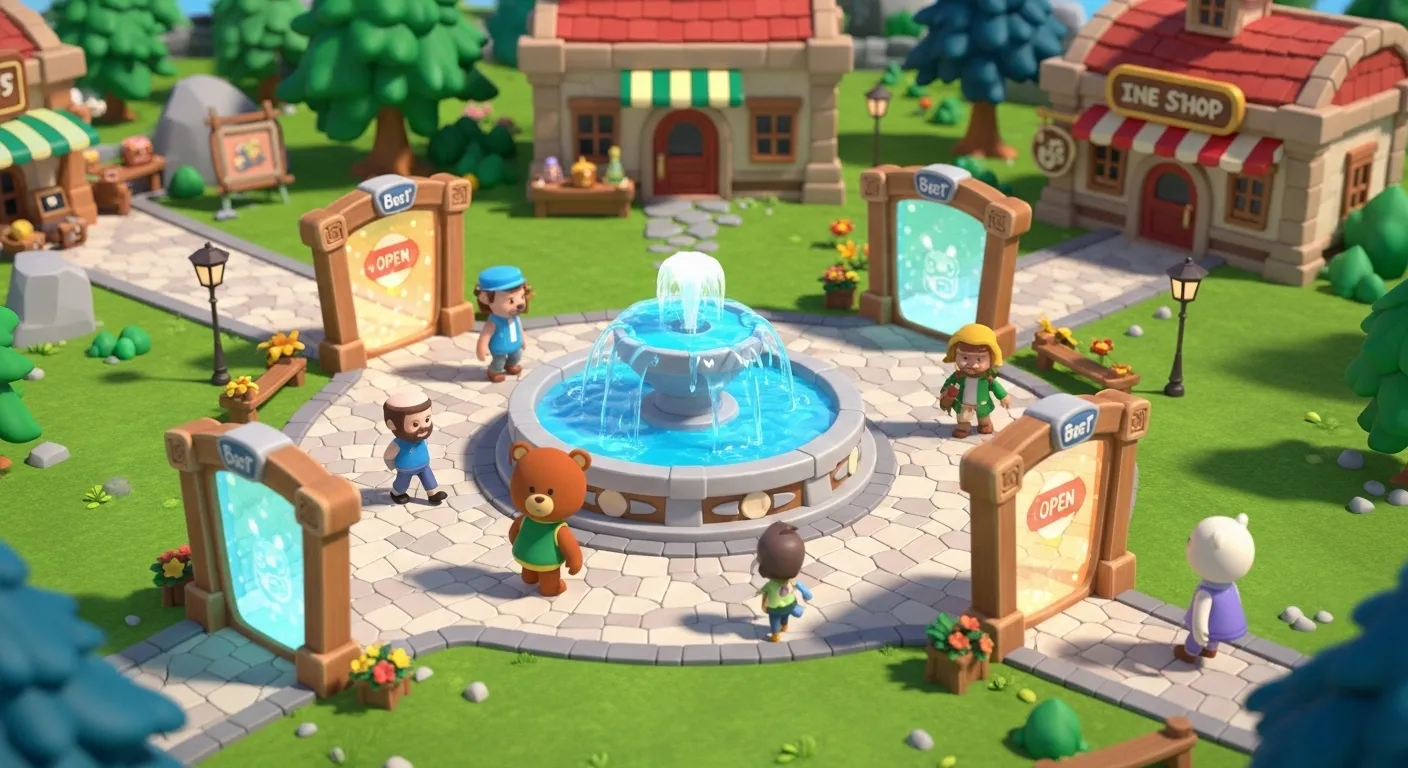
When you start the game, you’re in the Hub—the central area that links all worlds. Here you can:
- Talk to NPCs for hints.
- Open the world portals (gates) to each area. At first, Turtletown is the one you can enter.
- Buy hats and skins in the shop (if you have coins). With the Mod APK, coins and items are already unlocked.
Your first step: Go to the Turtletown portal and enter. Turtletown is the beginner world. Your goal there is to rescue all 8 trapped bears, collect purple coins, and defeat the Giant Golem boss. Our Turtletown walkthrough has the full order and secrets.
What do I do in each world?
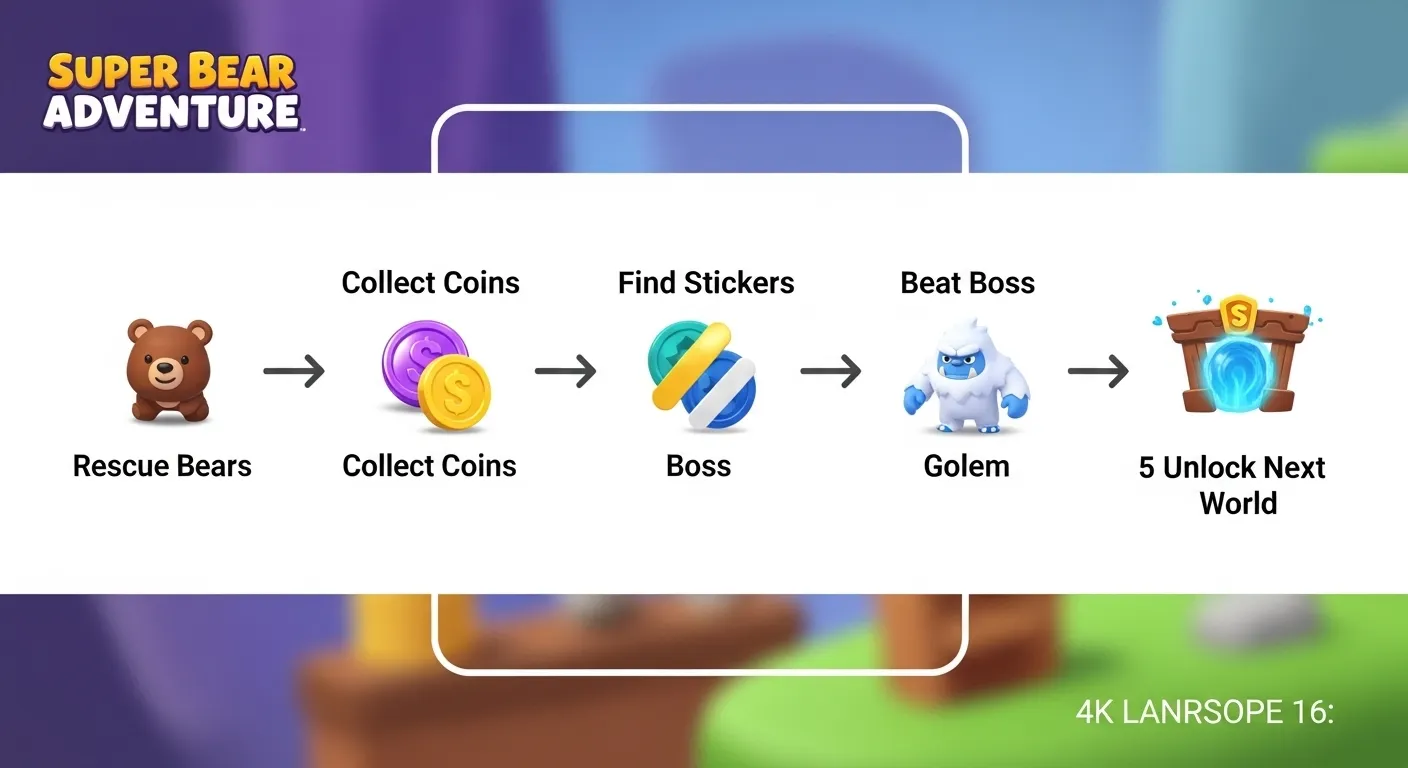
Every world follows a similar pattern:
- Rescue the trapped bears – Find cages and free the bears (often by breaking the cage or solving a short puzzle).
- Collect purple coins – They’re on the ground, in crates, and in hidden spots. Coins buy items in the shop.
- Find secret stickers – Hidden in each world; needed for 100% completion. See all 15 sticker locations.
- Beat the world boss – Each world has a boss. Dodge attacks and use ground-pound on the boss to win and get the key or reward.
After you finish Turtletown, more worlds open. You can go to Snow Valley, Beemothep Desert, Giant House, The Hive, and the Mole Mines. With the mod, all gates are open from the start so you can explore in any order.
All locations in Super Bear Adventure (quick map)
| Location | What it is | Guide |
|---|---|---|
| Hub / Bear Village | Central base, shops, portals | This page |
| Turtletown | First world + Crystalline Lagoon | Walkthrough |
| Snow Valley | Ice, Yeti boss | Secrets guide |
| Beemothep Desert | Temples & puzzles | Puzzle guide |
| Giant House | Giant furniture levels | Walkthrough |
| The Hive | Honey world (Update 10.0) | Hive guide |
| Mole Mines | Dark tunnels & challenges | Mole Mines |
| Arcade World | Mini-games & Super Bear Fighters | Arcade guide |
Besides the main worlds, the game has daily challenges—extra tasks that refresh each day—and Hardcore Mode on four worlds in Update 13.0. Our Arcade World guide covers every machine.
How do I get better at platforming?
- Roll then jump – Roll to build speed, then jump to reach far platforms.
- Crouch-jump – Crouch right before you jump for a small height boost.
- Wall-jump – Jump at a wall, then jump again off the wall to climb. Practice in Turtletown’s tower.
- Ground-pound – Use it on bosses and on breakable crates and switches.
For longer jumps and smoother movement, read our lag and settings guide. For medals and 100% completion, see the completionist roadmap on the main page and our get all medals guide.
What should I do after the basics?
Once you’re comfortable with movement and one world:
- Try all missions and all characters to see the full scope of the game. For medals, see get all medals.
- Hunt secret areas and Easter eggs and all stickers.
- Read the lore for the story behind Baaren and the Purple Honey.
That’s how to play Super Bear Adventure from zero: master the controls, start in the Hub, clear Turtletown, then explore the rest of the Kingdom at your own pace.
Download Super Bear Adventure Mod APK – Start with Everything Unlocked
Frequently Asked Questions (FAQ)
- Move with the on-screen stick, jump with the jump button, and use attack (ground-pound, spin) for crates and enemies. Roll and crouch help with long jumps. On PC, see our keyboard mapping guide.
- There is no free-flight mode. Chain double jumps, dives, wall kicks, and vehicles. In Crystalline Lagoon, swimming and attacking underwater feels closest to flying through water.
- Open the pause menu or Hub profile options and edit your display name. That name shows in multiplayer lobbies—keep it short and friendly.
- Start in the Hub. Talk to characters and open the portal to Turtletown—the first world that teaches you to rescue bears, collect coins, and find secrets.
- Progress saves when you rescue bears, collect coins, and finish goals. You can also use the pause menu; the game saves when you exit safely.
What are the basic controls in Super Bear Adventure?
How do you fly in Super Bear Adventure?
How do you change your username in Super Bear Adventure?
Where do I go first in Super Bear Adventure?
How do I save my progress?
About MDA
MDA is a gaming specialist who has spent hundreds of hours 100% completing every Super Bear Adventure world, testing each Mod APK update on low-end Android phones, modern flagships, and PC emulators to make sure every route and fix actually works.